
EZ-Link and SimplyGo cards
How to buy a card, top it up, check your balance — and why the fare gate no longer shows the balance on some cards.
Paying for the MRT in Singapore
Since single-trip tickets disappeared in 2022, every MRT and LRT journey in Singapore is paid for by tapping a card. Most people use an EZ-Link card; visitors can skip the card entirely and tap a contactless bank card or their phone. Either way the fare is the same distance-based fare, from S$1.28 to S$2.57.
The one thing that confuses everybody is that there are now two ticketing systems running side by side, and they behave differently at the gate. That is the difference between an ordinary EZ-Link card and a SimplyGo card — and it decides where you can see your balance.
EZ-Link or SimplyGo? The difference that matters
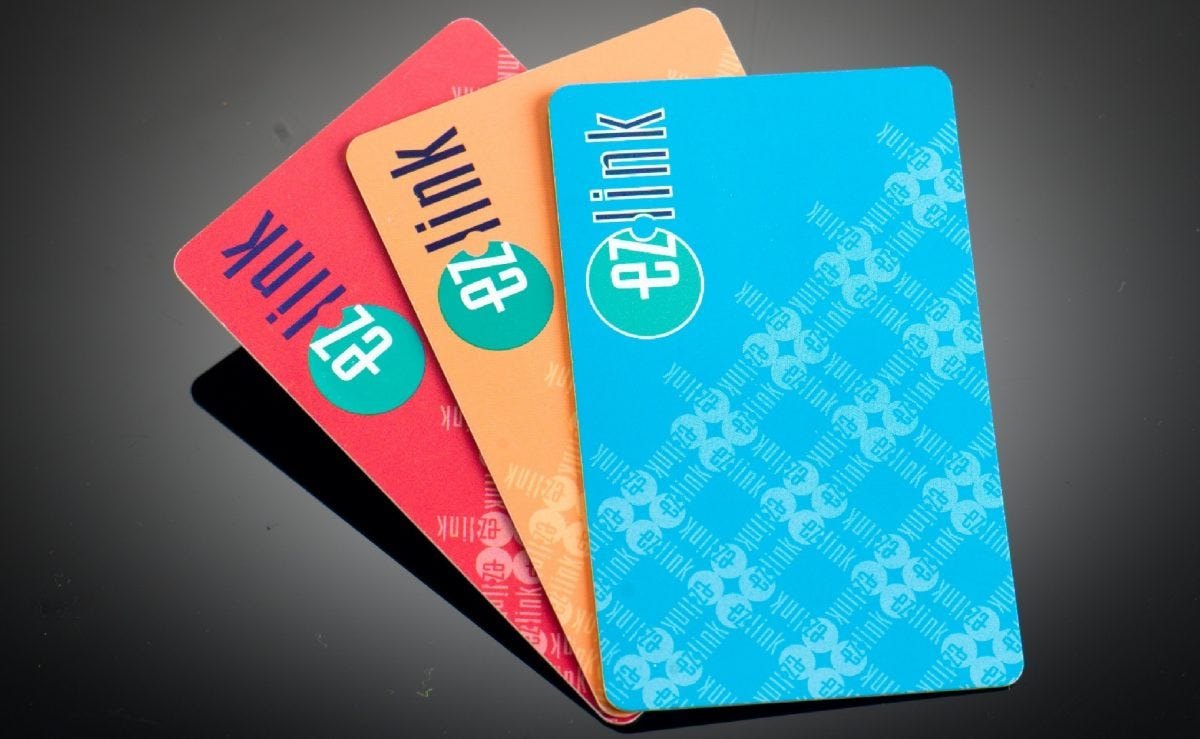
EZ-Link (non-SimplyGo) and NETS FlashPay
The value sits on the card chip. The fare gate shows you the fare deducted and your remaining balance as you tap. LTA planned to retire these cards in 2024, commuters objected, and they were kept — precisely because of that little number on the gate.
SimplyGo EZ-Link, NETS Prepaid, bank cards, phone
The value sits in a cloud account, not on the card. The gate does not show your fare or balance — you check it in the SimplyGo app. In exchange you get remote top-ups, transaction history and the ability to block a lost card instantly.
How to check your card balance
Four ways, and which one works depends on the card in your hand.
On the fare gate
Works only with a classic EZ-Link or NETS FlashPay card: the display shows the fare taken and the balance left as you tap out. On a SimplyGo card it shows nothing.
In the SimplyGo app
The way to check a SimplyGo card, a bank card or your phone. Install SimplyGo (iOS/Android), add the card once, and you see the balance and every journey. Note the old EZ-Link app was shut down in January 2026 — SimplyGo is the only app now.
At a station machine
Any general ticketing machine (GTM) or top-up kiosk will read your card and show the balance on screen, for both kinds of card. No queue, no charge.
At the passenger service centre
The staffed counter beside the gates can check the balance, and it is also where you go if a tap did not register or the card seems faulty.
How to top up your card
| Where | Minimum | Good to know |
|---|---|---|
| SimplyGo app | S$10 | Top up remotely from your phone, no queue and no fee. You need a SimplyGo card paired to the app. |
| Top-up kiosk (TUK) — card or NETS | S$10 | The touchscreen kiosks in the station concourse. Fastest option at the station. |
| Top-up kiosk (TUK) — cash | S$2 | Cash top-ups start from just S$2, which is useful if you are down to your last few cents. |
| General ticketing machine (GTM) | cash / NETS | Every MRT station has them. They also sell new cards. |
| SimplyGo ticket office / passenger service centre | — | Staffed counters at the bigger stations. No convenience fee. |
| 7-Eleven, Cheers and Buzz shops | — | Convenient when the station is closed; a small service fee may apply at some retailers. |
A contactless bank card or a phone wallet needs no top-up at all — the fare is charged to the bank account behind it.
Where to buy a card, and what it costs
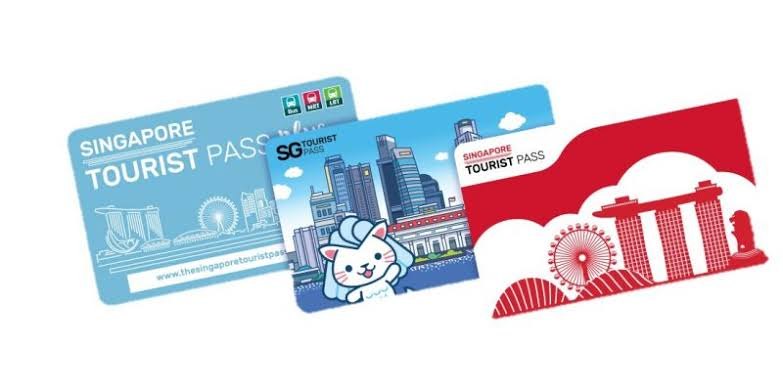
Visiting Singapore? You probably do not need a card at all
Tap your own contactless Visa, Mastercard, NETS or Amex — or Apple Pay, Google Pay or Samsung Pay on your phone — straight onto the fare gate. You pay exactly the same adult fare as a local, there is nothing to buy and nothing to top up, and you do not have to queue for a refund when you leave.
Two things to remember: use the same card to tap in and out, and check whether your bank charges a foreign transaction fee on each tap — if it does, a prepaid EZ-Link card or a Tourist Pass may work out cheaper.
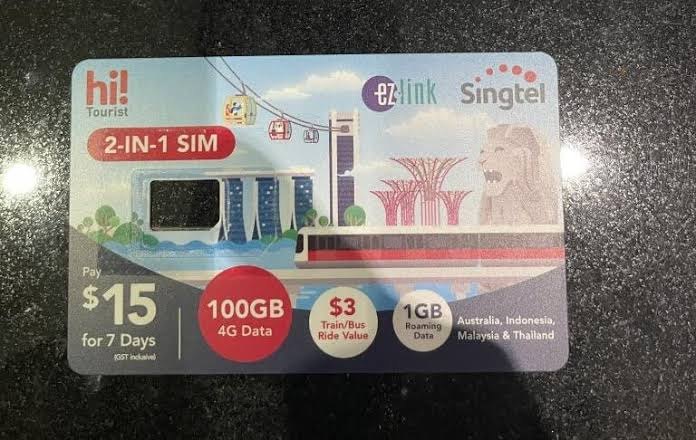
Expiry, lost cards and refunds
Replaced within five years
A card found to be faulty within five years of issue is replaced at a ticket office, as long as it has not been tampered with or mishandled.
Block it in the app — if it is registered
A registered SimplyGo card can be blocked instantly in the app, and the remaining value is refunded to your bank account or moved to a new card within a few working days. An unregistered classic card is like cash: if you lose it, the value is gone.
At any SimplyGo ticket office
Bring the card and your passport or NRIC. The stored value is refunded; the S$5 card cost is not. Leaving Singapore and only used it twice? The refund is worth the five-minute queue.
EZ-Link and SimplyGo — frequently asked questions
It depends on the card. A classic EZ-Link or NETS FlashPay shows the fare and the balance on the fare-gate display as you tap. A SimplyGo card does not — you check it in the SimplyGo app, or on any top-up kiosk or ticketing machine in the station, or at the passenger service centre.
Because your card is on SimplyGo, the account-based system: the money sits in a cloud account rather than on the card chip, so the gate has nothing to display. If seeing the balance at the gate matters to you, ask for a non-SimplyGo EZ-Link or a NETS FlashPay card — both are still sold and still work.
From S$10 in the SimplyGo app (SimplyGo cards only), from S$10 by card at a top-up kiosk, from just S$2 in cash at a kiosk, or at a ticketing machine, ticket office or a 7-Eleven. A contactless bank card needs no top-up at all.
No. The EZ-Link app was discontinued on 8 January 2026 and everything moved into the SimplyGo app — top-ups, transaction history, blocking a lost card and fare notifications are all there now.
S$10 at a SimplyGo ticket office or ticketing service centre: S$5 is the non-refundable card cost and S$5 is travel value you can spend. At convenience stores, vending machines and other retailers the price varies.
Yes. Take the card and your passport to any SimplyGo ticket office and they will refund the stored value. The S$5 card cost is not refunded. If you paid with a contactless bank card there is nothing to refund — you were only ever charged for the trips you took.
No. One card, one person, one tap. You cannot tap the same card twice at the gate for two passengers, so everyone travelling with you needs their own card, bank card or phone.
Yes — the same card works on MRT, LRT and public buses, and a trip that combines them is charged as a single distance-based fare rather than as separate rides.
Add this site to your favourites
We check Singapore MRT regularly and update it when the operators change timetables or fares or publish an important notice. Save the page and look at it before you travel.